Resources
AV Solutions for Corporate Offices: What Works Best in 2026
Explore the best AV solutions for corporate offices this 2026. Learn how DTEN and modern AV systems enhance hybrid meetings, collaboration, and productivity.
.png)
Corporate offices in 2026 require AV solutions that deliver reliable communication, rich collaboration and seamless hybrid work experiences. Modern AV systems must integrate video, audio and interactive tools in a way that supports meetings, presentations and teamwork without complexity. Organisations that adopt future‑ready AV technology gain distinct advantages in efficiency and engagement.
Let’s explore what’s defining AV solutions this year and what works best for corporate environments.
What’s New in AV for 2026
AV systems are increasingly networked and software-driven, allowing organisations to scale across multiple offices without complex cabling or manual setup. Cloud management makes it easy for IT teams to monitor, configure, and update devices remotely, reducing downtime and keeping systems consistent. Hybrid meetings are now standard, so rooms are designed to work equally well for in-person and remote participants, ensuring everyone can interact naturally and efficiently.
Audio and video capabilities continue to improve, with advanced microphones, echo and noise suppression, and automatic camera framing for clearer communication. Modern hardware is built to integrate smoothly with platforms like Microsoft Teams and Zoom, making meetings simpler to start and manage. Organisations are also prioritising sustainability, choosing energy-efficient, modular hardware that is easier to upgrade and maintain over time.
What’s driving AV in 2026:
- AV over IP for simplified deployment and network scalability.
- Cloud-based device monitoring, management, and updates.
- Meeting room designs optimised for hybrid collaboration.
- AI-enhanced audio and video for clearer, more inclusive communication.
Key AV Needs for Corporate Offices
Video Conferencing Systems
Corporate AV must support hybrid participation with sharp video clarity and natural audio capture. Built‑in AI features such as automatic camera framing and noise cancellation improve meeting quality even without manual adjustment. Solutions that integrate smoothly with major meeting platforms reduce training time and user frustration. Reliable connectivity and simple interfaces are essential for daily use.
- Native platform integrations for major conferencing services.
- High field‑of‑view cameras that capture all participants.
- Robust microphone arrays with noise cancellation.
- Plug‑and‑play connectivity to reduce IT overhead.
Interactive Displays & Whiteboarding
Interactive displays create a collaborative environment for both in‑room and remote teams. Larger multi‑touch screens support ideation, annotation and content manipulation during meetings. Where screens integrate whiteboarding and conferencing features, workflow becomes seamless. Responsive touch and smooth pointer input are expected for professional use.
- Responsive multi‑touch interfaces.
- Real‑time shared whiteboard features.
- Integrated presentations and annotation tools.
- Compatibility with existing conferencing ecosystems.
Audio Performance
Clear audio is fundamental for effective meetings. Beamforming and intelligent microphone arrays reduce background noise and maintain speech intelligibility across room sizes. Integrated audio should match display and camera quality to avoid mismatches that distract participants. Hardware should support acoustic optimisation for challenging spaces.
- AI‑assisted audio processing.
- Wide pickup range microphone arrays.
- Integrated echo cancellation.
- Balanced speaker output for mid and large rooms.
Connectivity & Control
Modern AV systems must integrate with enterprise networks securely. Centralised control and monitoring simplify large‑scale AV deployments and support remote troubleshooting. Wireless presentation and BYOD support minimise clutter and accelerate meeting start times. Secure firmware and network policies are critical to protect corporate data.
- Centralised management platforms.
- BYOD support via wireless or USB‑C connection.
- Secure network integration and access controls.
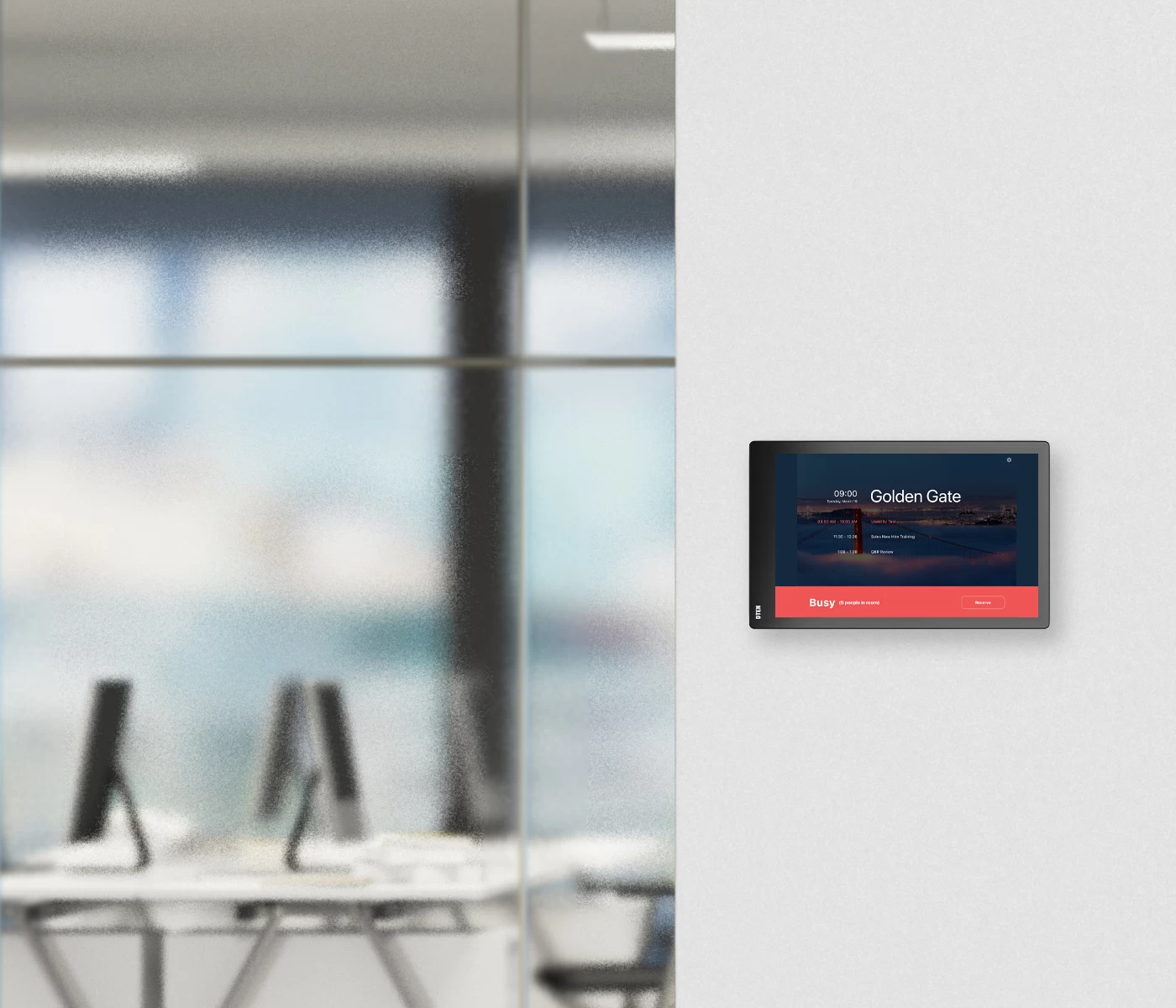
- Room scheduling and AV control panels.
Digital Signage & Internal Communications
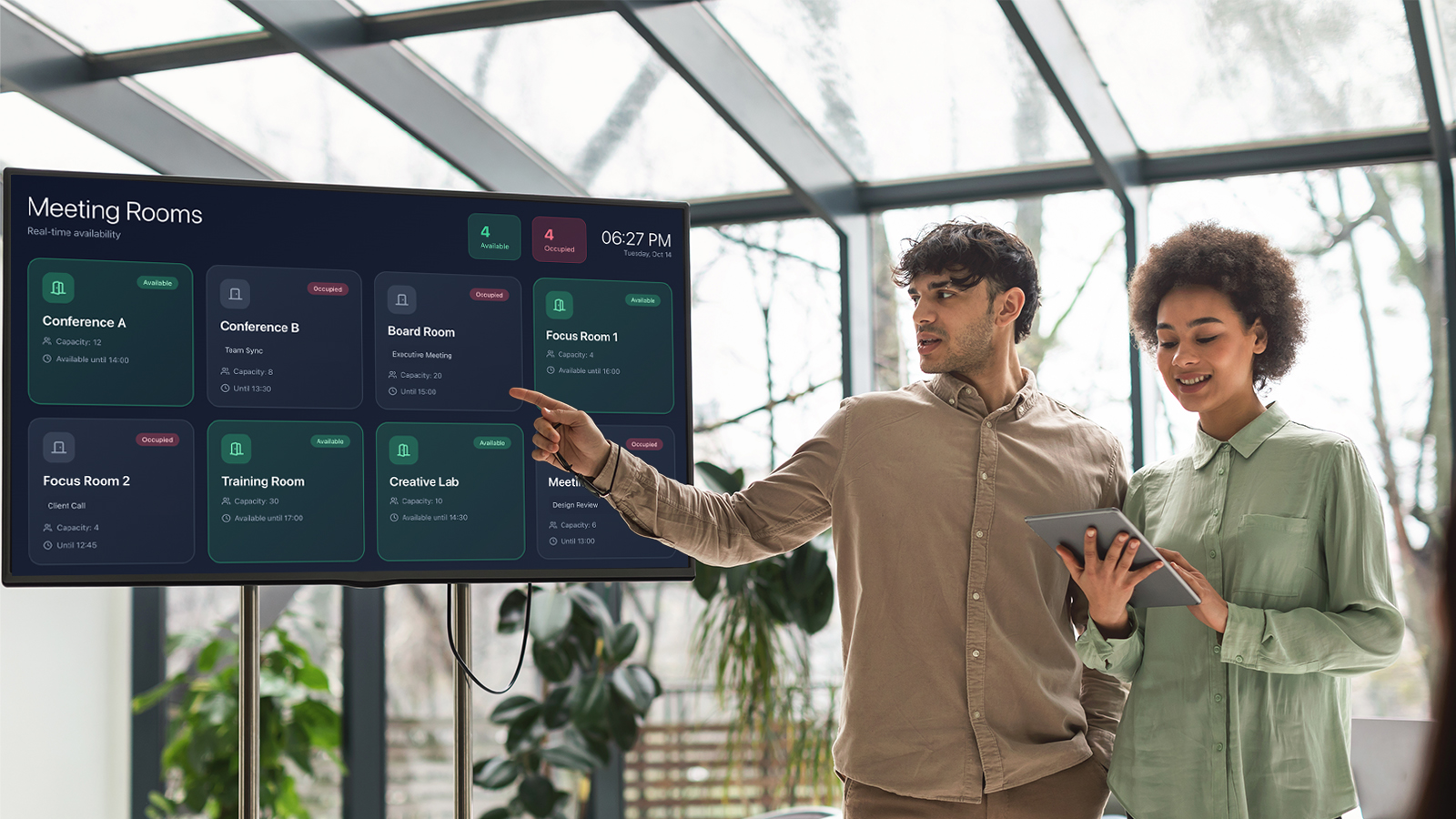
Digital signage is used beyond standard wayfinding. Dynamic content boards display real‑time metrics, alerts and corporate messaging. Integration with enterprise data sources ensures relevance and timeliness. These displays must maintain visual quality in bright environments and integrate with scheduling systems.
- Real‑time content and dashboard feeds.
- Bright, high‑resolution panels for visibility.
- Networked content management systems.
- Eco‑friendly and efficient hardware choices.
Best AV Solutions in 2026
All‑in‑One Interactive Collaboration Displays
All‑in‑one displays combine camera, audio, microphone and touchscreen in one package to reduce installation complexity. DTEN D7X is a leading example with a 4K display, wide‑angle camera and integrated microphones tailored for hybrid meetings. These systems often support BYOD through USB‑C and can run conferencing platforms natively, reducing the need for external PCs. Interactive whiteboarding and multi‑touch capability make them suitable for brainstorming and workshops.
- DTEN D7X with built‑in AI camera and multi‑touch display.
- Zoom Rooms and Teams Rooms certification.
- Single‑cable BYOD connection.
- Multi‑room scalability.
Budget‑Focused Interactive Displays
For smaller spaces or tighter budgets, devices like DTEN D7 deliver 4K video, touch collaboration and integrated audio without elaborate infrastructure. These solutions are simple to install and use, making them suitable for huddle spaces or department meeting rooms. Their plug‑and‑play design reduces the need for specialist AV support during rollout. Organisations can standardise on these units to ensure consistent experience across multiple locations.
- DTEN D7 with 4K wide‑angle camera.
- 16‑microphone array for clear audio capture.
- Capacitive touch and whiteboard.
- Quick deployment, minimal IT involvement.
Whiteboarding Add‑On Displays
Solutions such as DTEN ONboard enhance existing video conferencing rooms by adding interactive whiteboard capability without replacing current AV infrastructure. These are ideal for organisations with standardised video bars or codec systems but who want more interactive collaboration. They support real‑time annotation, diagramming and idea capture during hybrid sessions. Their easy integration with Zoom Whiteboard extends collaborative workflows.
- DTEN ONboard with expanded touch collaboration.
- Integrates with existing conferencing systems.
- Real‑time brainstorming support.
- Ideal for hybrid teams requiring shared whiteboard tools.
Dedicated Video Conferencing Bars
Enterprise video bars with elevated AI features optimise meeting experience across room sizes. These devices include wide‑field cameras, professional microphones and advanced audio systems to ensure all participants are visible and audible. Premium bars often support multi‑platform interoperability and remote management. They work well with standard screens in executive boardrooms or training facilities.
- AI‑enhanced auto‑framing and speaker tracking.
- Broad platform compatibility.
- High‑quality audio capture.
- Centralised firmware and update management.
Digital Signage Networks
Networked signage solutions support corporate communications and information flows. These systems use high‑brightness displays and remote content scheduling to deliver targeted messages across sites. Integration with business systems can display KPI dashboards, alerts and event feed. Scalable digital signage networks reduce administration costs and enhance internal engagement.
- High brightness and 4K resolution panels.
- Centralised content management.
- Automated scheduling and updates.
- Compatibility with data dashboards.
How to Choose the Right AV Solution
Define Your Room Requirements
Assess the typical room sizes and use cases your organisation needs to support. Larger boardrooms require more powerful audio and larger displays than smaller huddle spaces. Ensure systems accommodate the expected number of on‑site and remote participants. Plan for scalability so that additional units can integrate easily.
- Consider room acoustics and lighting conditions.
- Map out camera sightlines for all participants.
- Review connectivity needs for BYOD and standard devices.
- Plan for future expansion or upgrades.
Select Supported Platforms
Prioritise AV hardware certified for the platforms your teams use most. Solutions that support multiple platforms provide flexibility as enterprise collaboration tools evolve. Native certification simplifies meeting initiation and reduces compatibility issues. Ensure firmware updates are available to extend support lifecycles.
- Verify platform certification status.
- Check cross‑platform interoperability.
- Confirm update and security support.
- Evaluate BYOD sharing capabilities.
Evaluate Integration & Management
Look for systems that support centralised management and analytics to reduce long‑term maintenance. Cloud‑based control panels allow remote troubleshooting and usage tracking. Simplifying installation through standardised devices reduces support costs. Plug‑and‑play or USB‑C connection options should be considered for flexibility.
- Centralised remote configuration tools.
- Remote diagnostics and usage insights.
- Standardised hardware across rooms.
- Wireless and BYOD support for agile teams.
Budget & Total Cost of Ownership
Balance initial purchase costs with long‑term support and maintenance expenses. Higher‑end all‑in‑one solutions reduce installation time but may carry premium pricing. Evaluate warranties and service plans to maintain uptime. Consider energy efficiency as an operating cost factor.
- Compare total lifetime costs.
- Include service and warranty plans.
- Review energy efficiency ratings.
- Forecast refresh cycles and technology depreciation.
Successful Corporate AV Deployment Strategies
Effective deployment of corporate AV involves planning, integration and ongoing refinement. First, conduct a detailed needs assessment to map out room profiles, user workflows and platform preferences. This should involve stakeholders from IT, facilities and business teams to ensure alignment with organisational goals. Clearly defined requirements reduce project risk and set expectations for rollout.
Next, standardise on a set of core devices and configurations to reduce support complexity. Consistent hardware and software across rooms improves training and reduces trouble tickets. Effective cabling and infrastructure planning should prioritise flexibility for future expansions. Establish compliance and security guidelines for networked AV gear to protect corporate data.
Finally, invest in training and documentation to maximise adoption. Users should understand basic controls and troubleshooting steps to reduce reliance on IT support. Provide clear guides and access to remote support tools for fast issue resolution. Collect usage data and feedback to refine setups and prioritise future upgrades.
Conclusion
Choose AV systems that are interoperable, cloud managed and built for hybrid meetings. These qualities reduce setup time, lower operating costs and give everyone a consistent meeting experience. DTEN offers integrated displays, whiteboarding add-ons and management tools that make rollouts simpler and help keep meeting rooms reliable and easy to use.
Start with clear room profiles and a small pilot, then standardise hardware and workflows across sites to cut support overhead. Invest in user training and remote monitoring so you can measure adoption and fix issues quickly. With the right planning and solutions, organisations can improve collaboration, reduce friction and get the most value from their AV investment.
Make hybrid meetings easier and more effective across your offices this 2026. Contact us to find out how DTEN can support your goals.
Resources
.png)
.png)
.png)
.png)
.png)
.png)